

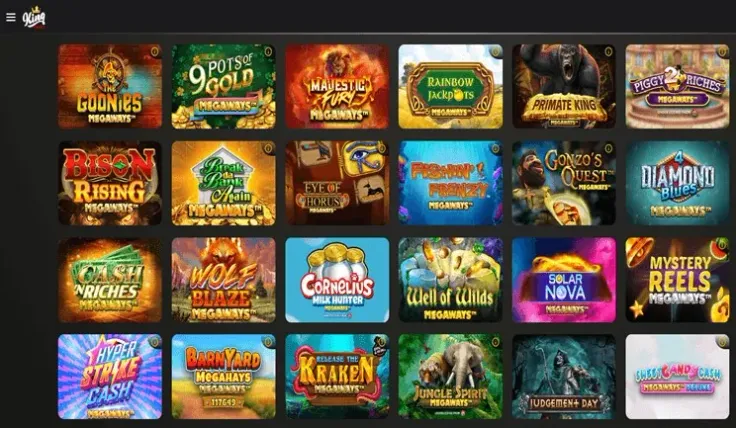
King Casino mobile works three ways: the mobile site in your phone's browser, an iPhone app and an Android app. The browser version needs no download. You open the site, log in or register, and play on the same casino you would see on a computer.
For most readers the browser is the easiest place to start, because there is nothing to install, update or delete later. If you would rather have an icon and a dedicated launcher, the apps cover that, and the app page compares them.
This page focuses on the mobile site: what to expect on a small screen, how the apps fit in, and what is worth setting up on your phone before you play.
What you can do on King Casino mobile
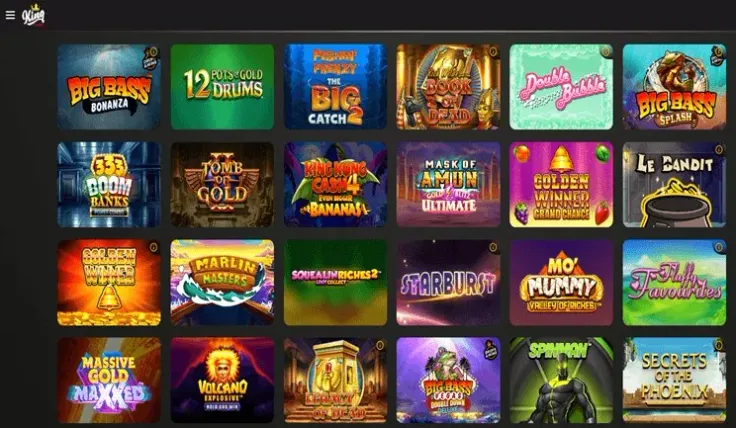
The mobile site takes you to the same casino as the desktop version, in your browser. If you already have an account, log in with your usual details. If you are new, you can sign up from your phone.
What changes is how you use it, not what the casino is. A phone screen is smaller, so games and menus are laid out for touch and a narrow display. Reading is the main adjustment: paytables, bonus terms and game rules take more scrolling than on a computer, and it is easy to skip them. Take the time to read them anyway, particularly the stake range and what each feature does before you start a round.
Some practical differences to expect:
- Orientation. Many games are comfortable in either portrait or landscape. Slots and table games often read better held sideways, while browsing and account pages are usually easier upright.
- Touch controls. Buttons for stake, spin and bet are tapped rather than clicked. Check the stake shown before each tap, because a mis-tap is easier on a small screen.
- Notifications and interruptions. Calls, messages and other apps can interrupt a session. Your phone's do-not-disturb mode helps if you want to play without distractions.
Online slots on a phone follow the same UK rules as on a computer. There is a minimum spin time and a maximum stake per spin, which is lower for players aged under 25, and there is no autoplay. If a game seems slower than you expected, that is why.
Nothing about playing on a phone changes how games pay. Outcomes are random whichever device you use, and RTP and volatility are properties of the game, not of the screen.
Apps, the browser and Add to Home Screen
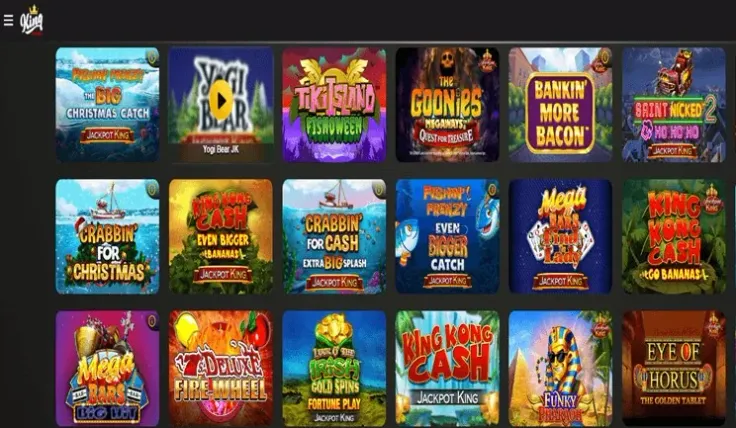
You do not need an app to use King Casino on your phone. The mobile site runs in the browser on iPhone and on Android, and the steps above show how to open it. The browser's Add to Home Screen option places a shortcut on your phone, so the site opens with one tap. That shortcut is not a separate app; it simply opens the same mobile site.
King Casino also has an app for each platform. The iPhone app and the Android app pages cover them in detail, and the main app page gives the overview. The choice comes down to preference. The browser version takes no storage space and nothing to keep updated, while an app gives you a permanent icon on your phone.
If you do install an app, follow a few simple habits:
- On iPhone, look in the App Store and on Android in your phone's built-in app store, rather than following a link from a message, a social post or an advert.
- Check that the publisher name matches King Casino before you install.
- Do not install an app file sent to you or found on a website. If a page offers a file to install by hand, close it.
- If you are unsure whether something is genuine, use the visit King Casino link on this page to reach the casino and start from there.
Installing from an unknown source can put your phone, your payment details and your account at risk. The browser route avoids that question altogether.
Keeping your account secure on a phone

A phone is easy to lose and easy to hand to someone else, so the basics matter more than on a home computer. Use a passcode, fingerprint or face unlock, and set the screen to lock quickly. Do not let anyone else use the device while you are logged in, and log out when you have finished, particularly if the phone is shared.
Be careful with the browser's saved passwords. Saving a casino login is convenient, but anyone who unlocks your phone could then open your account. If you save it, protect the phone itself properly, or type the password each time.
Mobile data and Wi-Fi also make a difference. Your own mobile data connection or a trusted home network is a safer choice than open public Wi-Fi in cafés, stations or hotels. Games and live tables use data as they run, so if your plan is limited, keep an eye on usage or play on Wi-Fi at home.
Control tools are worth setting up before you play, not after. UK-licensed casinos must offer deposit limits, time-outs and self-exclusion, and GAMSTOP covers all UK-licensed online operators. You can read more on the safer gambling page or at GAMSTOP. Because a phone is always within reach, it helps to treat gambling as paid entertainment and to set limits that suit you in advance. If it stops feeling like entertainment, GamCare and the National Gambling Helpline can help at GamCare.